🐦 Calibration — what a bird actually looks like at this scale
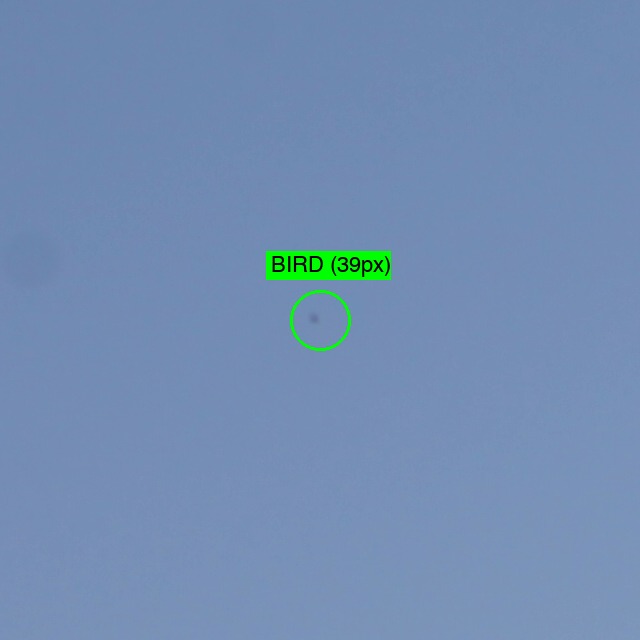
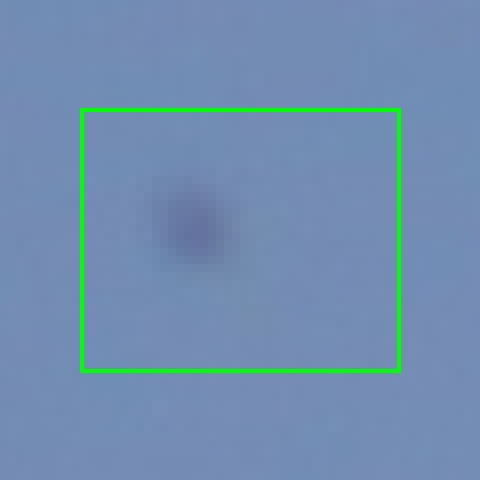
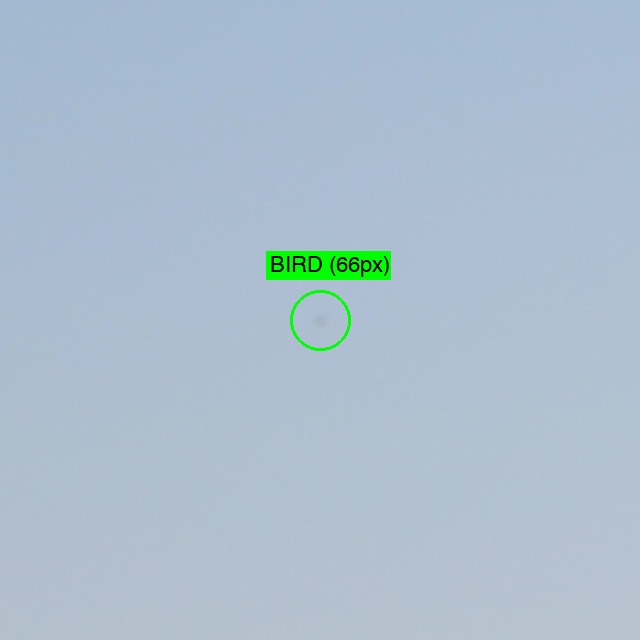
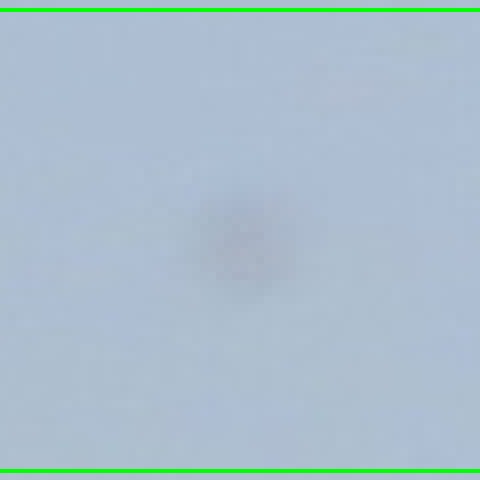
Before you start, look at these two reference tiles. The green circle marks a real bird (taken from a different photo in this dataset). The zoom-in shows the same bird at much higher magnification so you can see its shape.
Example 1 — bird ~39 px wide
Zoom-in (NN 8×)
Example 2 — bird ~66 px wide (easy)
Zoom-in (NN 8×)
What to look for in the annotation tiles:
- The birds you'll spot are usually smaller than these examples (typically 10–20 px). They look like small dark dots, dashes, or short smudges.
- Some birds appear against sky (low contrast), some against trees (very hard to see against the foliage).
- You'll almost never see wings — just a darker mark that doesn't match the surroundings.
- When in doubt, click it. Better to over-mark than miss real birds — we're measuring what humans CAN see.